
Full site translation
| Software Name | Xiaofeitu Translation |
| Version number | V2.6 |
| Operating environment | .NET 6.0 Versions 1 and 2 |
| MD5 verification | f6364c20bd99b63c57ec21c3f65bbf55 |
| Update time | 2025-09-16 |
Download link
Download from this site Baidu Download Thunder Download
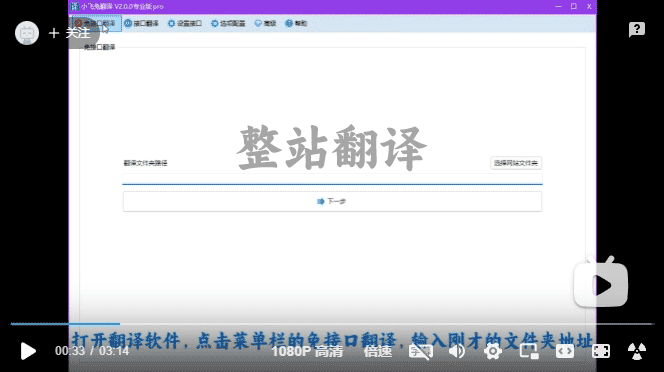
Video tutorial
Operating environment
windows 7Versions 1 and 2windows server 2012Versions 1 and 2.NET 6.0Installation instructions for versions 1 and 2 and above:Testing the operating environment and installation。
Software Introduction
- Translate HTML documents.
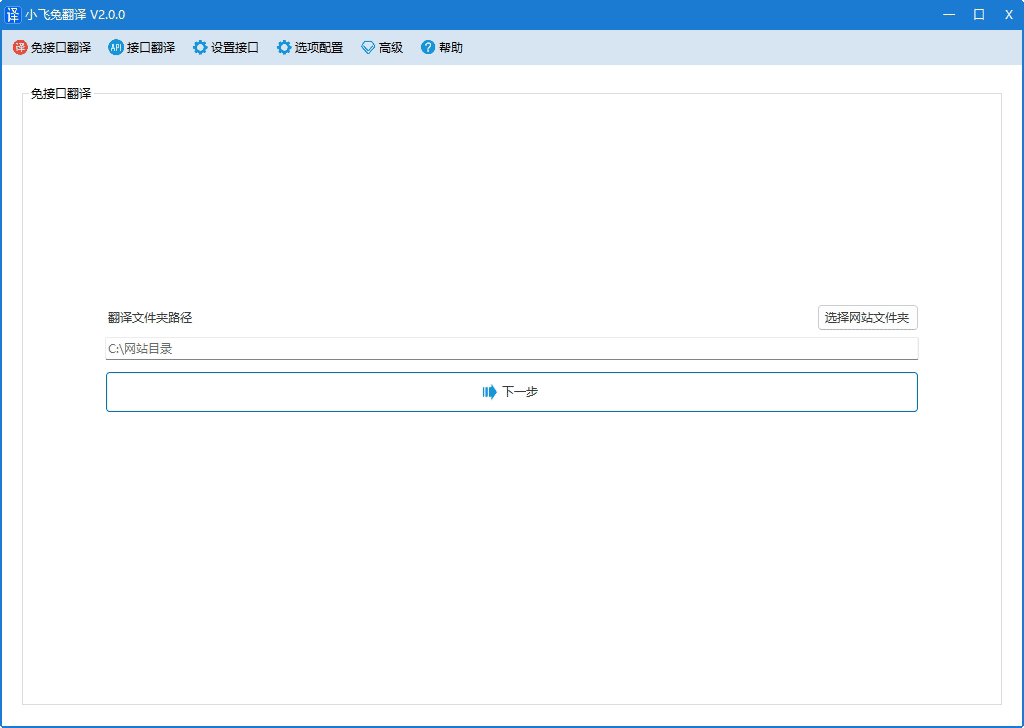
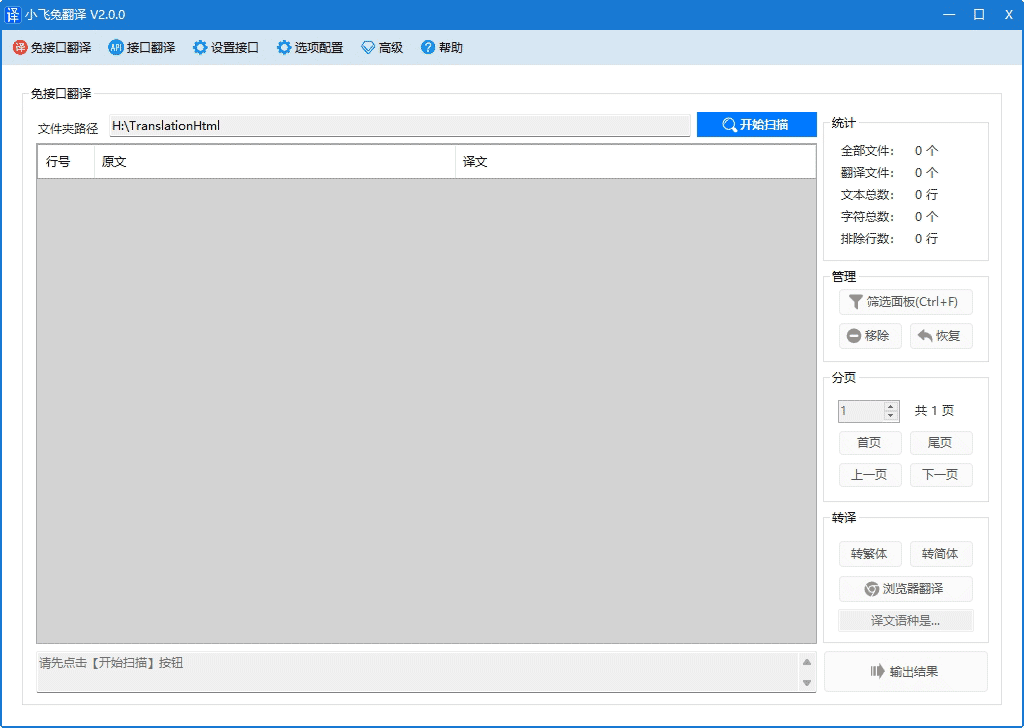
- Two translation functions:
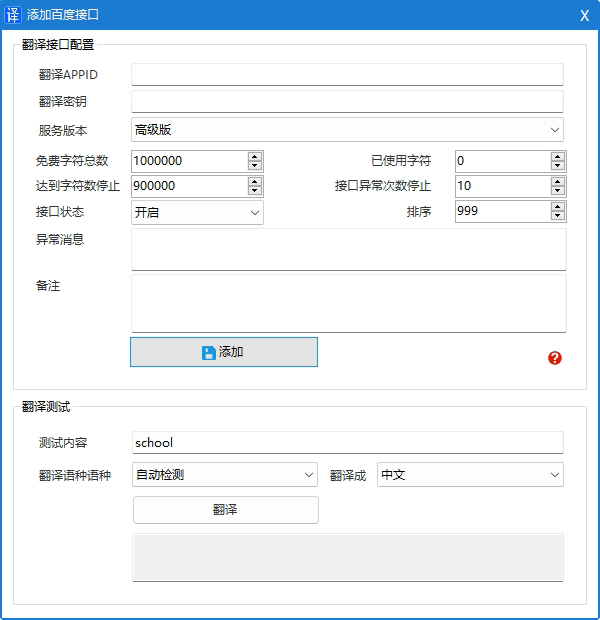
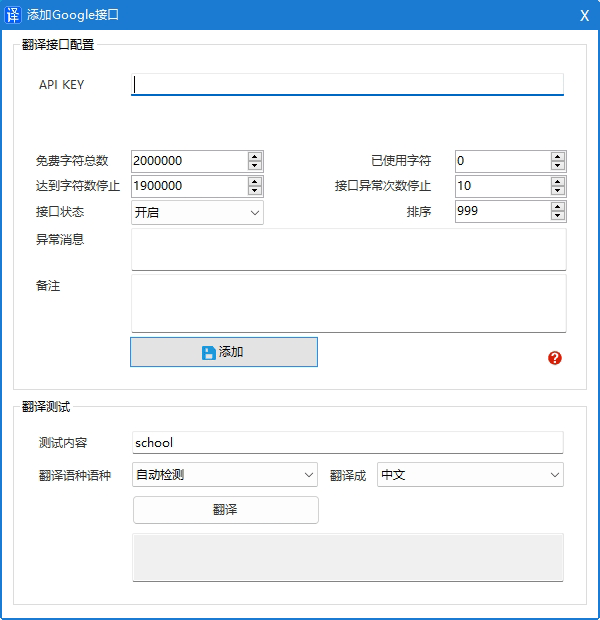
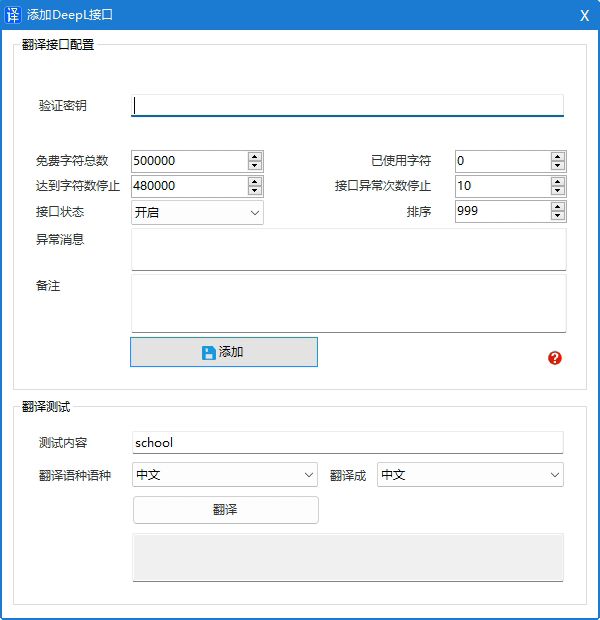
Interface translation-freeandInterface translation
Translation Interface
Supports translation interfaces such as Baidu, Google, Microsoft, Amazon, and DeepL.
Baidu Translate API:./article/doc/baidu_translation.html
Google Translate API:./article/doc/google_translation.html
Microsoft Translation API:./article/doc/microsoft_translation.html
Amazon Translation API:./article/doc/amazon_translation.html
DeepL translation interface:./article/doc/deepl_translation.html
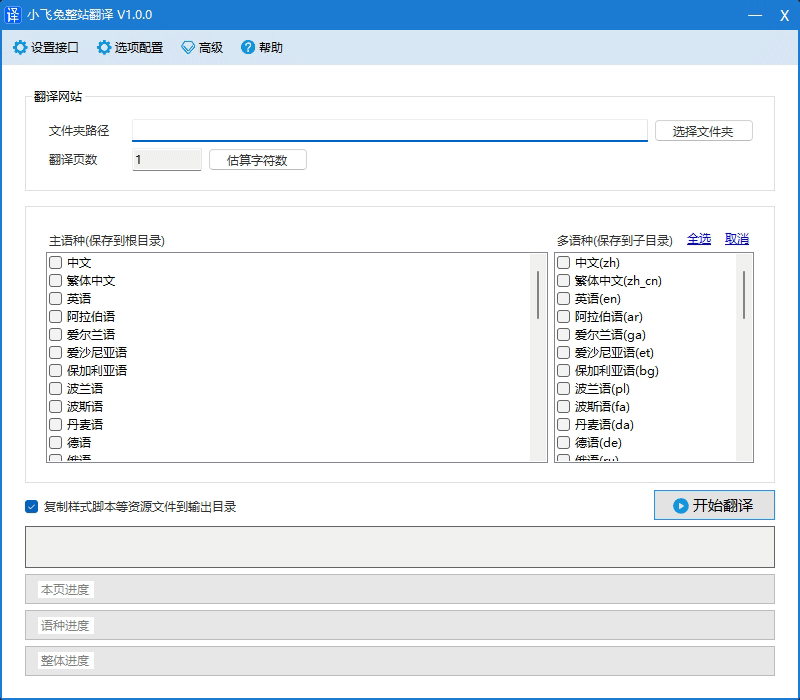
| Software screenshots View larger image | |
|---|---|
    |
Tutorial DocumentationMore
- Translate websites using API-free translation features.
- [DeepL Interface] Obtaining and configuring the DeepL translation interface
- [Amazon API] Obtaining and configuring the Amazon translation API
- [Microsoft Interface] Obtaining and Configuring the Microsoft Translation Interface
- [Google API] Obtaining and configuring the Google Translate API
- [Baidu API] Obtaining and configuring the Baidu Translate API
- What is the runtime environment, and how do I install it?
- How do I purchase and register the software?
- How do I log in to the member center—via the website or the software?
- If I don't want to activate it myself, how can I rent a third-party translation API key?