How to migrate SVG code from HTML to a separate SVG file
Table of Contents
In modern web development, SVG (Scalable Vector Graphics) is widely used due to its high resolution, small file size, and strong programmability. Many developers initially embed SVG code directly into HTML, but as projects grow, migrating SVG to a separate file becomes a better option. This article will detail how to migrate SVG code from HTML to a separate .svg file.
Why migrate SVG to a separate file?
1. Clean code: Reduces the size and complexity of HTML files.
2. Maintainability: Centralized management of all SVG resources
3. Reusability: The same SVG can be used on multiple pages.
4. Caching advantage: Browsers can cache SVG files separately.
5. Performance optimization: Reduce HTML document size and speed up initial loading.
How to operate
- Menu bar: Configuration Options > Code Conversion > Convert SVG code for page to image files (unchecked by default)

test
- Original code: SVG images in HTML code
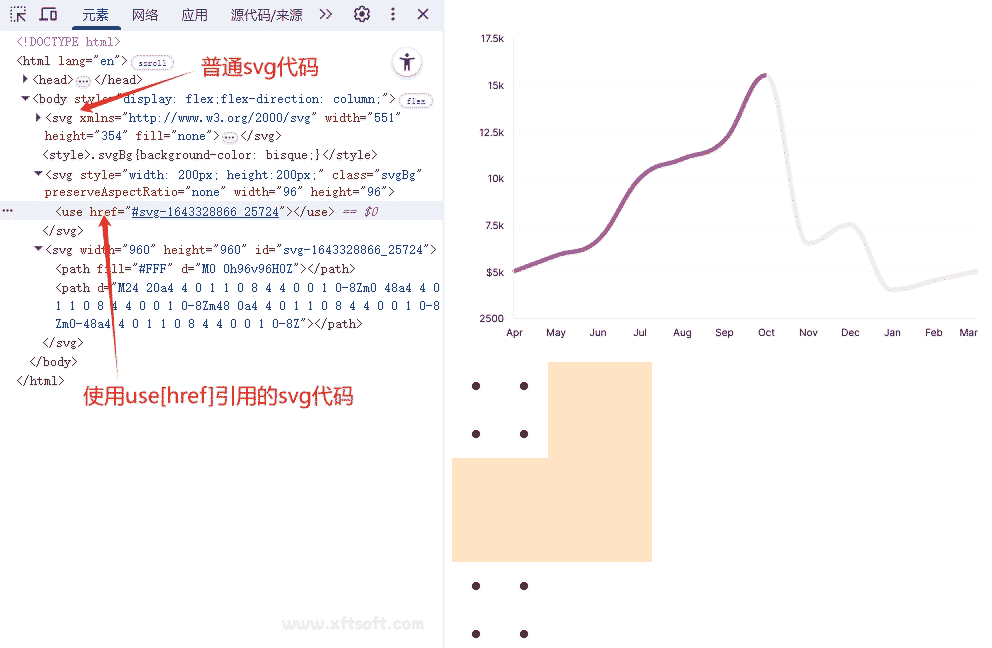
- Output code: The code after the SVG code has been moved to the separate SVG image file.
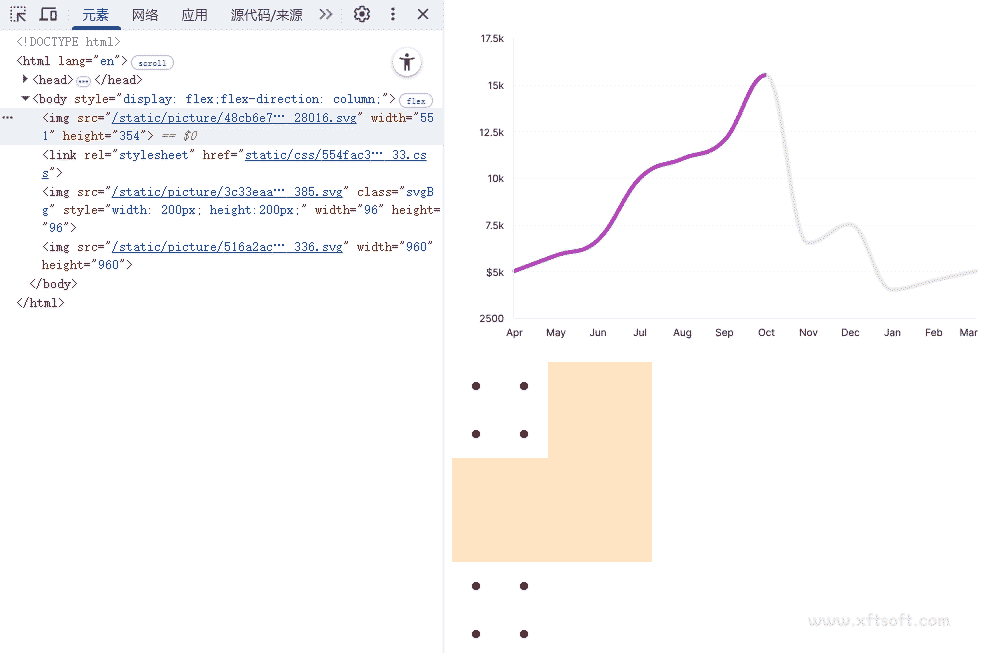
support
- Automatically repair the viewBox property in SVG files
- Automatically add xmlns space to SVG files
- The style and class attributes from the original code have been moved to the img attribute.
- Supports parsing of SVG use elements
- Automatically fixes case sensitivity issues in SVG files